How to Use Your iPhone as an Authenticator App for Two-Factor Codes
Two-factor authentication is one of the best ways to protect an account. Fishing for a six-digit code in another app every time is the annoying bit.
Your iPhone has an authenticator built in. It stores the codes alongside your passwords and fills them in for you.
What does Built-in verification codes do?
The Passwords app can generate the six-digit verification codes that websites ask for after your password. Once set up, the code is filled in automatically when you sign in, and it syncs to your other Apple devices.
Takes: 3 minutes · Works on: iOS 15 or later · Cost: free, built into your iPhone
Where to find it
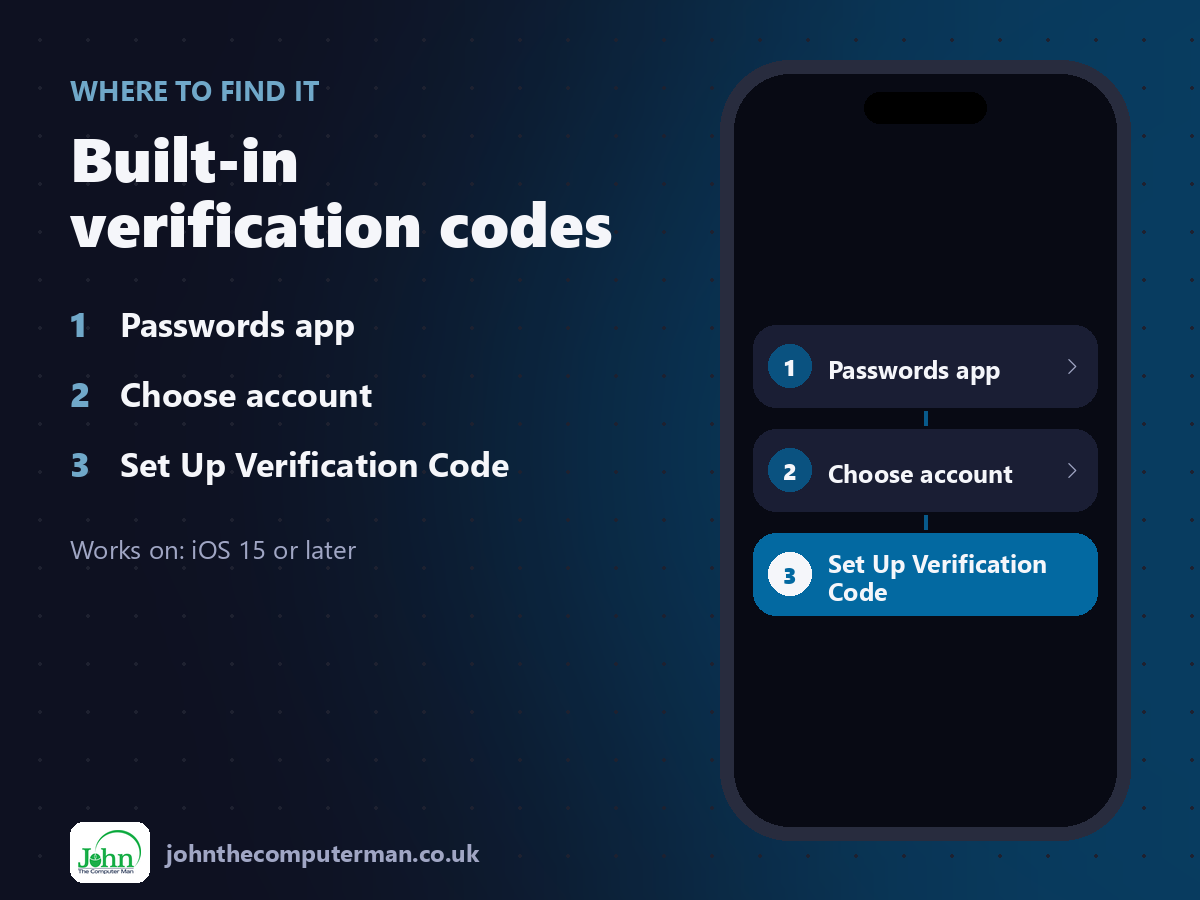
Passwords app > Choose account > Set Up Verification Code
Built-in verification codes: step by step
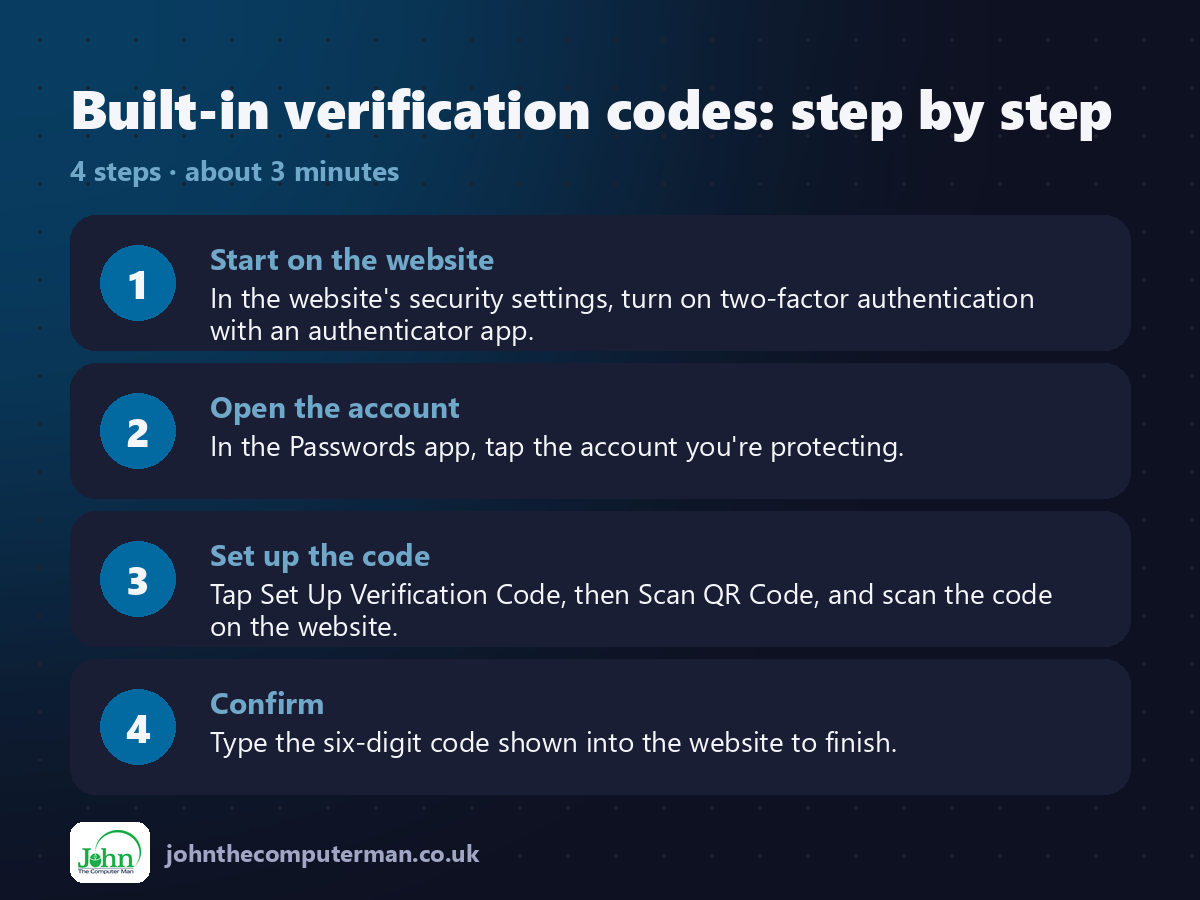
1. Start on the website. In the website's security settings, turn on two-factor authentication with an authenticator app.
2. Open the account. In the Passwords app, tap the account you're protecting.
3. Set up the code. Tap Set Up Verification Code, then Scan QR Code, and scan the code on the website.
4. Confirm. Type the six-digit code shown into the website to finish.
2. Open the account. In the Passwords app, tap the account you're protecting.
3. Set up the code. Tap Set Up Verification Code, then Scan QR Code, and scan the code on the website.
4. Confirm. Type the six-digit code shown into the website to finish.
Pro tip
💡 Save the backup codes the website gives you somewhere safe. They're your way in if you ever lose your devices.
More tips
• On the same iPhone? Touch and hold the QR code on the website and choose Add Verification Code in Passwords.
• Codes autofill above the keyboard when you sign in.
• Authenticator codes are safer than text message codes.
• On iOS 15 to 17, find this in Settings > Passwords.
• Codes autofill above the keyboard when you sign in.
• Authenticator codes are safer than text message codes.
• On iOS 15 to 17, find this in Settings > Passwords.
FAQ
Can I move codes from another authenticator app?
You'll need to set each one up again on the website, scanning the new QR code with Passwords.
What if I lose my iPhone?
Your codes sync with iCloud Keychain, so they're on your other Apple devices and restore to a new iPhone.