How to Use Your iPhone as a Magnifying Glass With Magnifier
Medicine labels, receipts, restaurant menus in dim light, the serial number on the back of the router. Small print is everywhere.
Magnifier is a free Apple app that turns your camera into a magnifying glass, with a light, filters and a freeze-frame button.
What does Magnifier do?
Magnifier uses your iPhone's camera to zoom in on anything. You can turn on the torch, freeze the image to look closely, boost the brightness and contrast, or use colour filters to make text easier to read. It's already on your iPhone.
Takes: 30 seconds · Works on: iOS 14 or later · Cost: free, built into your iPhone
Where to find it
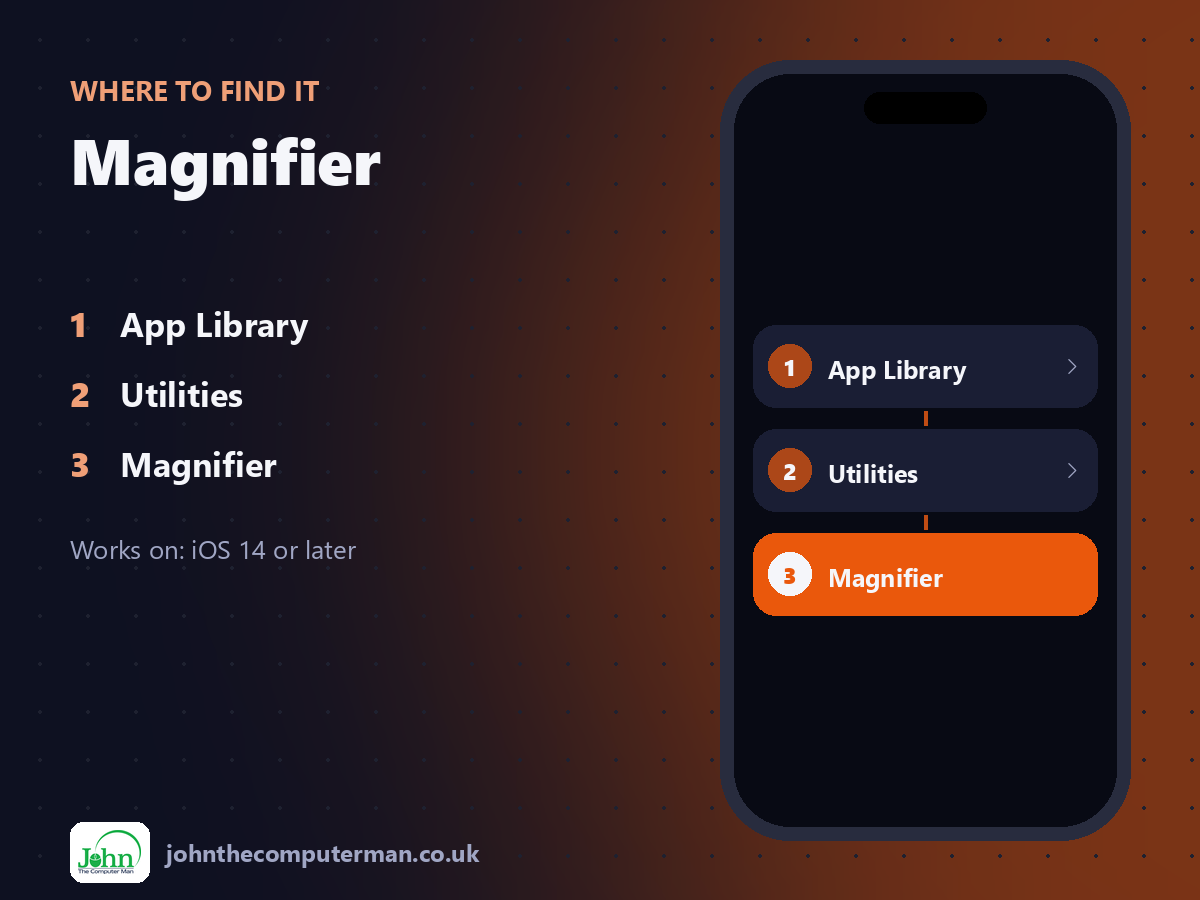
App Library > Utilities > Magnifier
Magnifier: step by step
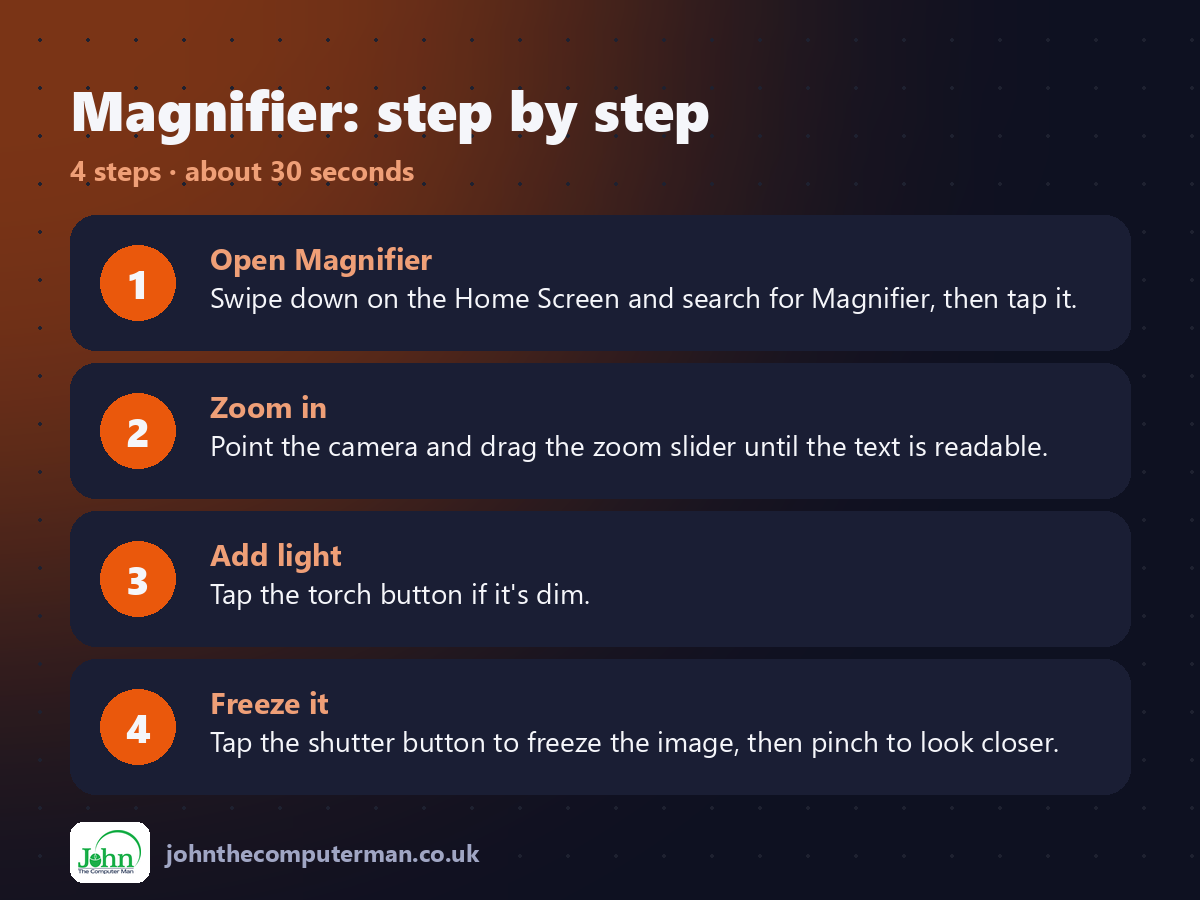
1. Open Magnifier. Swipe down on the Home Screen and search for Magnifier, then tap it.
2. Zoom in. Point the camera and drag the zoom slider until the text is readable.
3. Add light. Tap the torch button if it's dim.
4. Freeze it. Tap the shutter button to freeze the image, then pinch to look closer.
2. Zoom in. Point the camera and drag the zoom slider until the text is readable.
3. Add light. Tap the torch button if it's dim.
4. Freeze it. Tap the shutter button to freeze the image, then pinch to look closer.
Pro tip
💡 Make it instant: Settings > Accessibility > Accessibility Shortcut > Magnifier. Then triple-click the side button to open it.
More tips
• Add Magnifier to Control Centre for quick access.
• Tap the filters button to invert colours or switch to high contrast, which helps with glossy labels.
• Frozen images can be saved to Photos.
• Hold your iPhone a little further away than you'd expect. The camera focuses better.
• Tap the filters button to invert colours or switch to high contrast, which helps with glossy labels.
• Frozen images can be saved to Photos.
• Hold your iPhone a little further away than you'd expect. The camera focuses better.
FAQ
Where is the Magnifier app?
It's in the App Library under Utilities, or just search for it. If you deleted it, download it free from the App Store.
Is it better than the Camera zoom?
Yes, for reading. It has a freeze button, filters and brightness controls made for text.