How to Use Safety Check on iPhone to See Who Has Access to Your Data
Over the years, you've probably shared your location, photo albums or passwords with people you've since lost touch with, or no longer trust.
Safety Check puts all of that in one place. You can review it calmly, or cut everyone off instantly in an emergency.
What does Safety Check do?
Safety Check reviews who has access to your information: location sharing, shared albums, notes, passwords and more. It also shows which apps can use your location, camera and microphone, and which devices are signed in to your Apple Account. Emergency Reset stops all sharing at once.
Takes: 5 minutes · Works on: iOS 16 or later · Cost: free, built into your iPhone
Where to find it
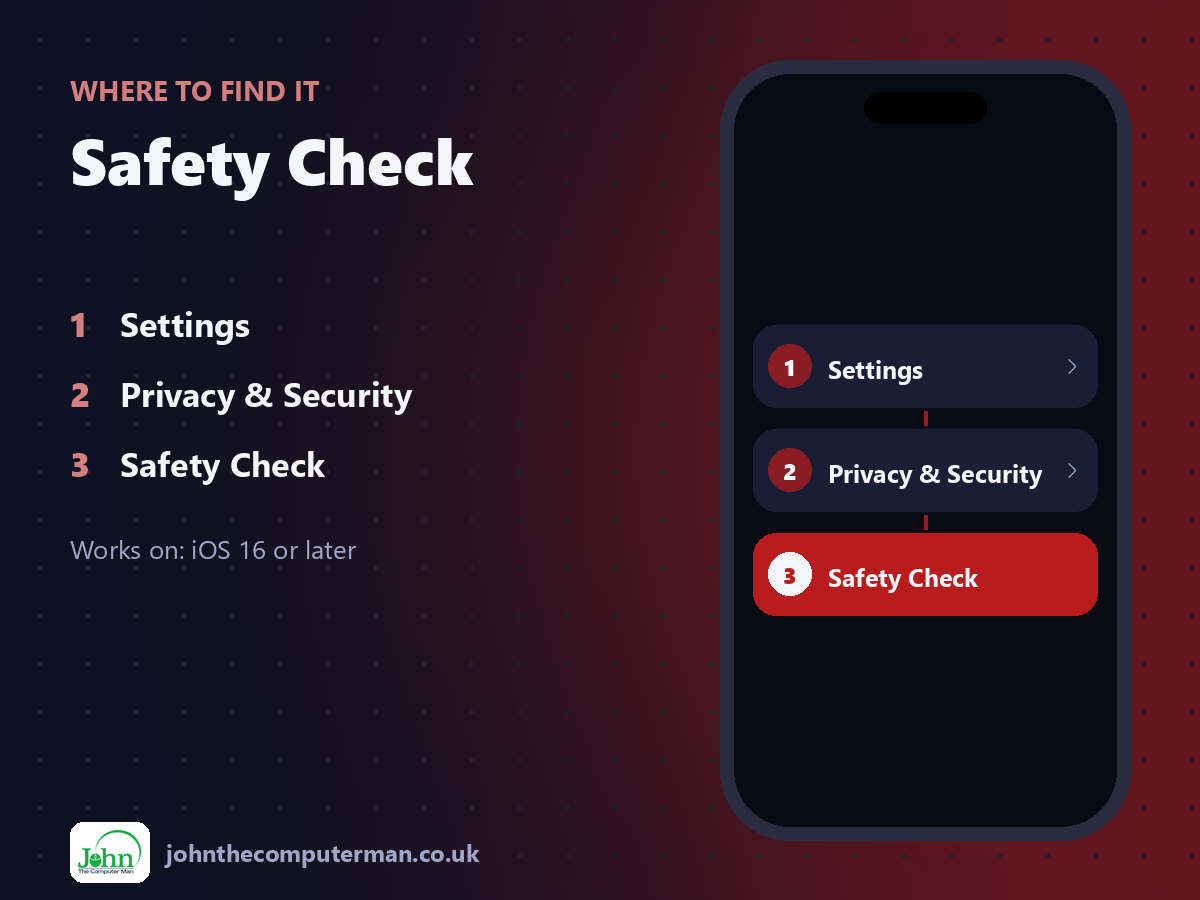
Settings > Privacy & Security > Safety Check
Safety Check: step by step
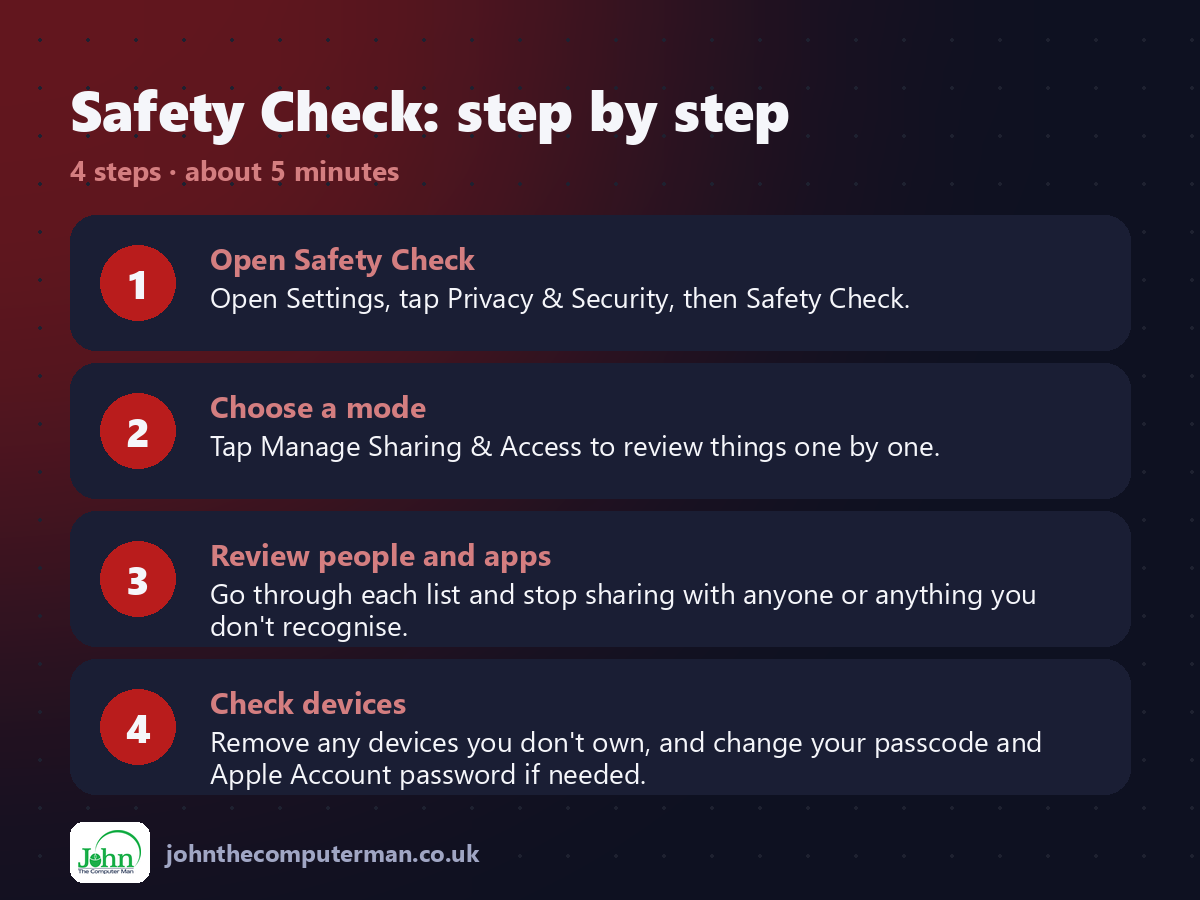
1. Open Safety Check. Open Settings, tap Privacy & Security, then Safety Check.
2. Choose a mode. Tap Manage Sharing & Access to review things one by one.
3. Review people and apps. Go through each list and stop sharing with anyone or anything you don't recognise.
4. Check devices. Remove any devices you don't own, and change your passcode and Apple Account password if needed.
2. Choose a mode. Tap Manage Sharing & Access to review things one by one.
3. Review people and apps. Go through each list and stop sharing with anyone or anything you don't recognise.
4. Check devices. Remove any devices you don't own, and change your passcode and Apple Account password if needed.
Pro tip
💡 Every Safety Check screen has a Quick Exit button. Tap it to close Settings instantly if someone's looking over your shoulder.
More tips
• Emergency Reset stops all sharing in one go if you think you're in danger.
• Stopping sharing doesn't send the other person a notification, though they may notice you've gone.
• Run Safety Check after a break-up, or when a phone or iPad changes hands.
• If you feel unsafe, contact local support services or the police as well as using Safety Check.
• Stopping sharing doesn't send the other person a notification, though they may notice you've gone.
• Run Safety Check after a break-up, or when a phone or iPad changes hands.
• If you feel unsafe, contact local support services or the police as well as using Safety Check.
FAQ
Will people know I've stopped sharing?
They won't get a notification, but they may notice they can no longer see your location or shared items.
Does it delete my data?
No. It stops sharing and access. Your own photos, notes and passwords stay put.