How to Set Up Medical ID and Emergency SOS on iPhone
If you were ever in an accident, the people helping you would need to know about allergies, medication and who to call. Your iPhone can tell them, even when it's locked.
Medical ID stores that information and shows it from the lock screen. Emergency SOS lets you call for help quickly and alerts your emergency contacts.
What does Medical ID do?
Medical ID is part of the Health app. It holds details like medical conditions, allergies, medications, blood type and emergency contacts. With Show When Locked turned on, anyone can view it from the lock screen without your passcode, and it can be shared automatically when you call emergency services.
Takes: 5 minutes · Works on: Any iPhone with the Health app · Cost: free, built into your iPhone
Where to find it
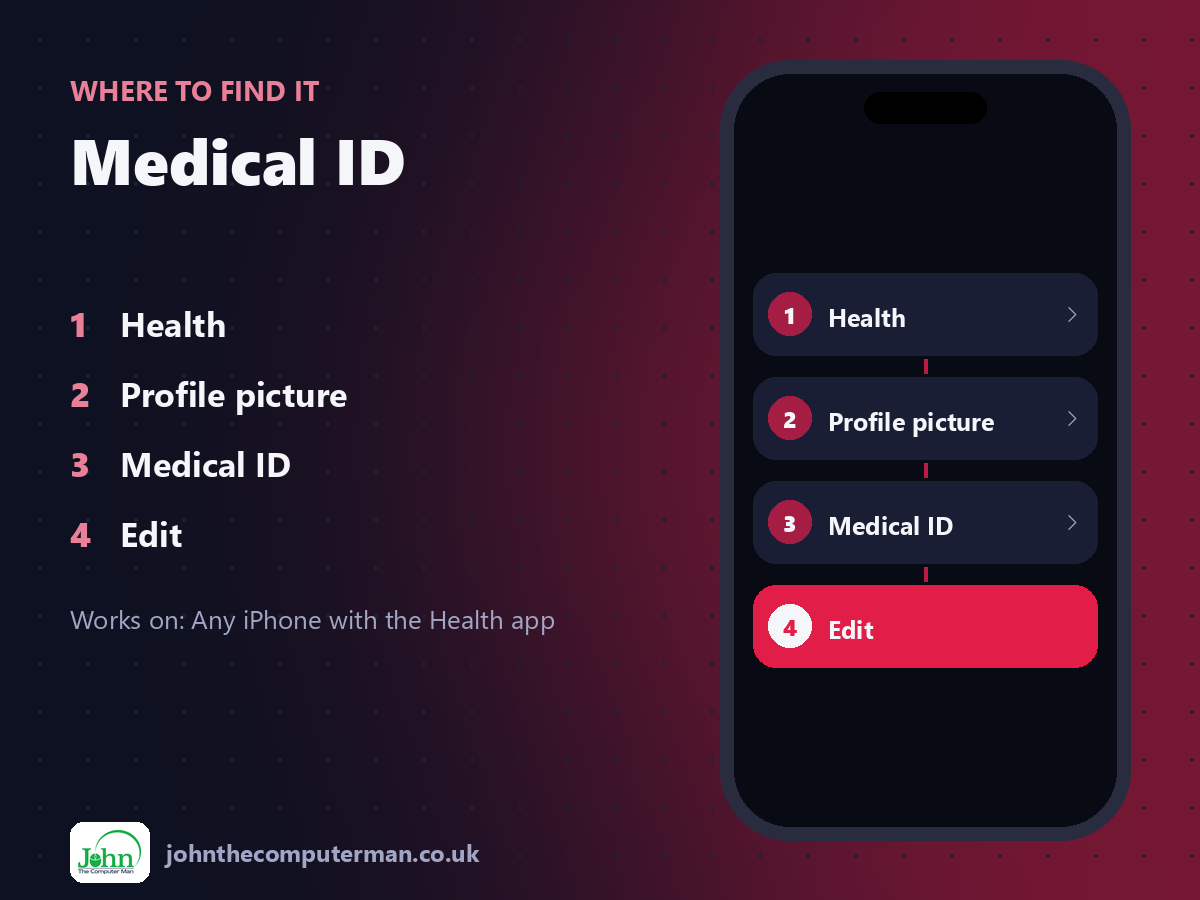
Health > Profile picture > Medical ID > Edit
Medical ID: step by step
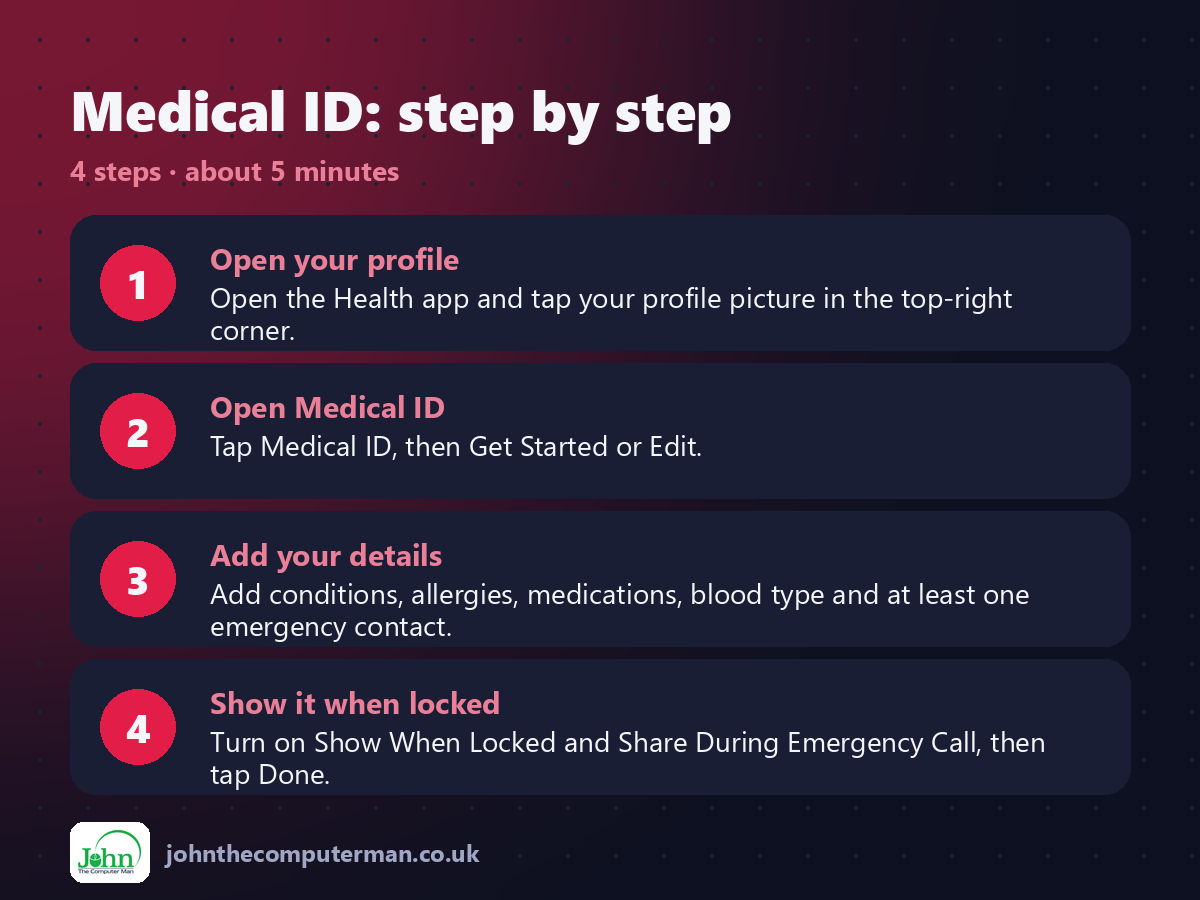
1. Open your profile. Open the Health app and tap your profile picture in the top-right corner.
2. Open Medical ID. Tap Medical ID, then Get Started or Edit.
3. Add your details. Add conditions, allergies, medications, blood type and at least one emergency contact.
4. Show it when locked. Turn on Show When Locked and Share During Emergency Call, then tap Done.
2. Open Medical ID. Tap Medical ID, then Get Started or Edit.
3. Add your details. Add conditions, allergies, medications, blood type and at least one emergency contact.
4. Show it when locked. Turn on Show When Locked and Share During Emergency Call, then tap Done.
Pro tip
💡 Check Emergency SOS too: Settings > Emergency SOS. After an SOS call, your emergency contacts get a text with your location.
More tips
• To view a Medical ID, press and hold the side button and a volume button, then slide Medical ID.
• Pressing and holding the side button and a volume button until the countdown ends calls emergency services.
• Only add information you're comfortable with anyone seeing. It's visible without your passcode.
• Set a reminder to review it once a year, or whenever your medication changes.
• Pressing and holding the side button and a volume button until the countdown ends calls emergency services.
• Only add information you're comfortable with anyone seeing. It's visible without your passcode.
• Set a reminder to review it once a year, or whenever your medication changes.
FAQ
Can anyone see my Medical ID?
Yes, if Show When Locked is on, anyone holding your phone can see it. That's the point: first responders need it fast.
Do emergency contacts get notified?
After an Emergency SOS call, your iPhone sends your emergency contacts a message with your location, unless you cancel it.