How to Set a Reminder That Goes Off When You Arrive Somewhere on iPhone
A 3pm reminder to buy milk isn't much use if you're still at work at 3pm.
The Reminders app can remind you when you arrive at, or leave, a place instead. The shop, your office, a friend's house.
What does Location reminders do?
Location reminders use your iPhone's location to alert you when you arrive at or leave a place you choose. You can pick your home, work, car, or any address. It's perfect for errands you can only do in a certain place.
Takes: 1 minute · Works on: Any iPhone · Cost: free, built into your iPhone
Where to find it
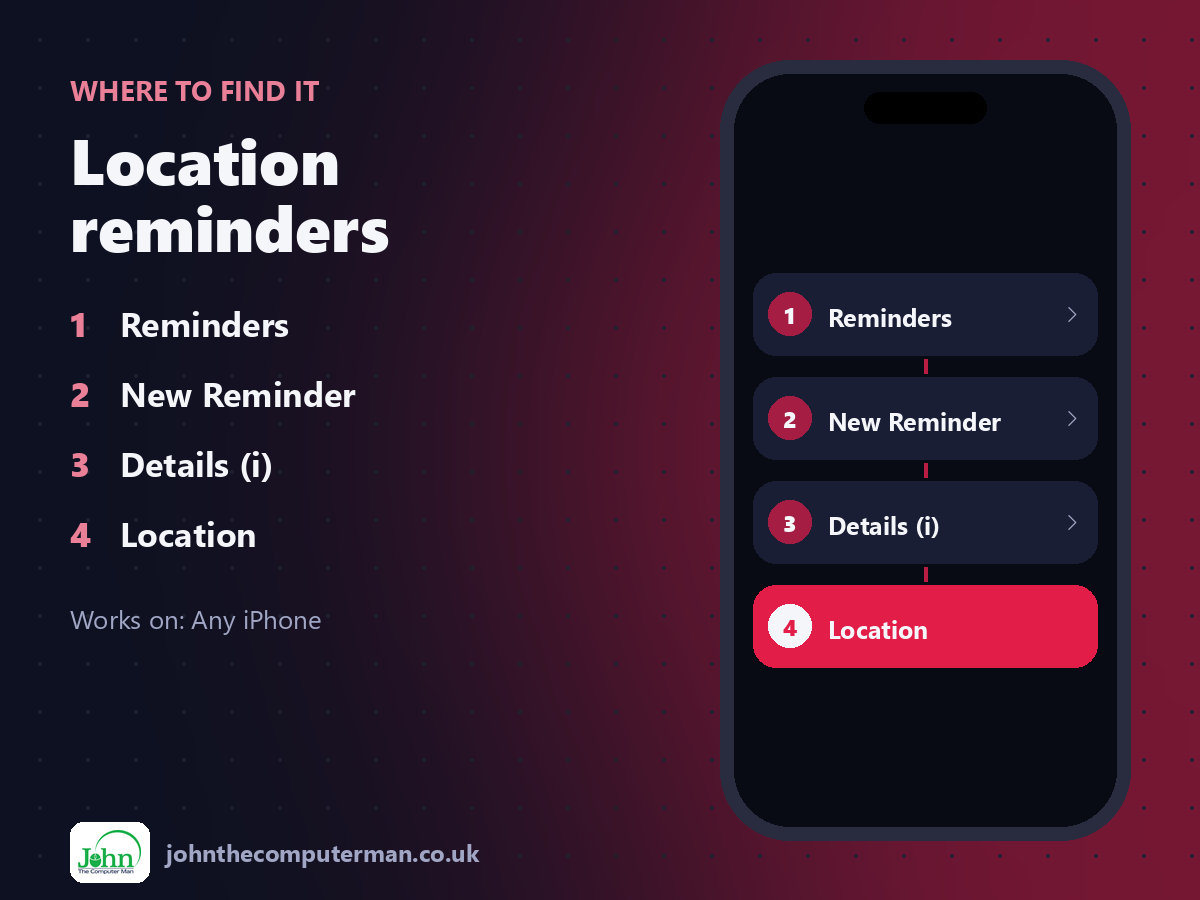
Reminders > New Reminder > Details (i) > Location
Location reminders: step by step
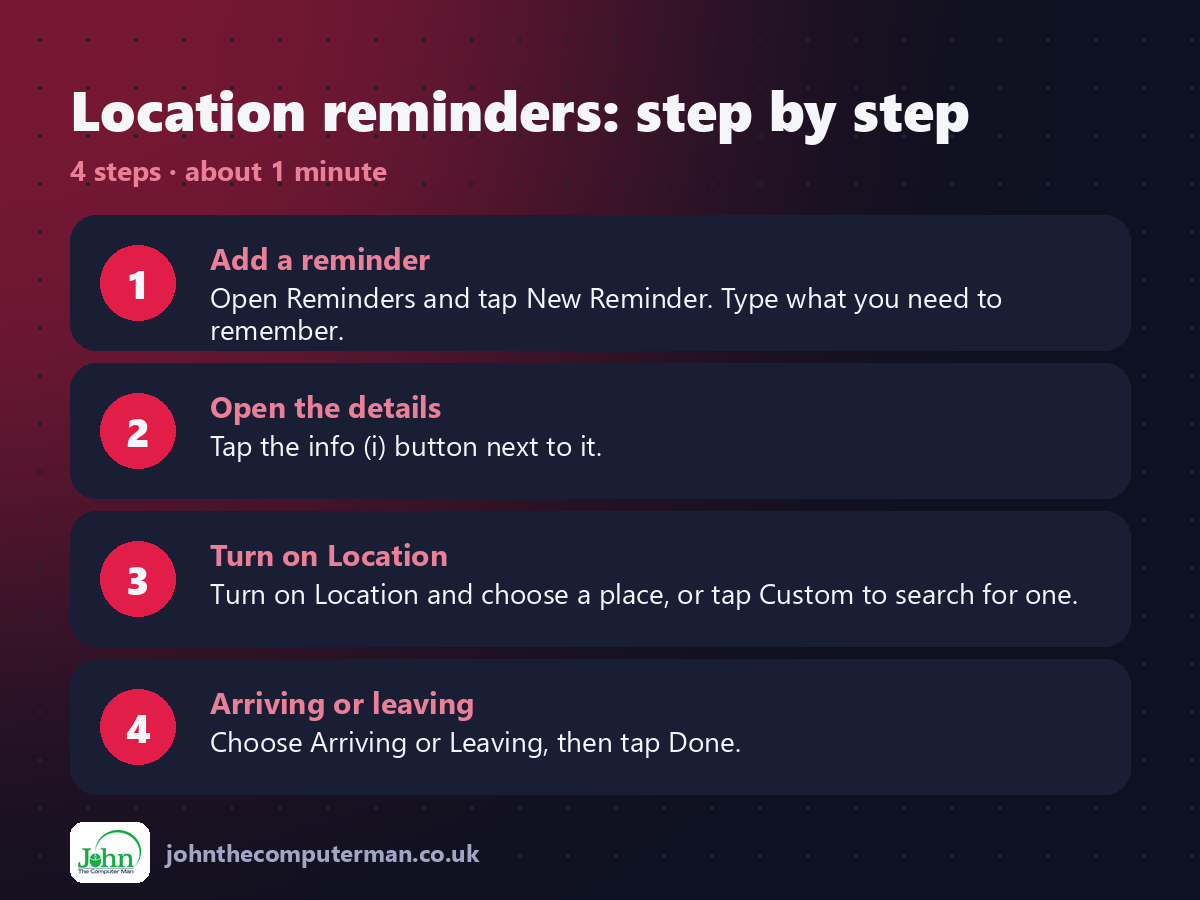
1. Add a reminder. Open Reminders and tap New Reminder. Type what you need to remember.
2. Open the details. Tap the info (i) button next to it.
3. Turn on Location. Turn on Location and choose a place, or tap Custom to search for one.
4. Arriving or leaving. Choose Arriving or Leaving, then tap Done.
2. Open the details. Tap the info (i) button next to it.
3. Turn on Location. Turn on Location and choose a place, or tap Custom to search for one.
4. Arriving or leaving. Choose Arriving or Leaving, then tap Done.
Pro tip
💡 Quicker with Siri: say 'Remind me to take the bins out when I get home'.
More tips
• Choose Getting in the Car or Getting out of the Car if your iPhone connects to your car.
• Location reminders need Location Services on for Reminders.
• Drag the circle on the map to set how close you need to be.
• Share a list with your household so everyone sees the shopping reminders.
• Location reminders need Location Services on for Reminders.
• Drag the circle on the map to set how close you need to be.
• Share a list with your household so everyone sees the shopping reminders.
FAQ
Why didn't my reminder go off?
Check Location Services is on for Reminders and set to 'While Using' or 'Always', and that notifications are allowed.
Does it drain the battery?
Not noticeably. It uses efficient location monitoring.