How to Set a Custom Vibration for a Contact on iPhone
Your phone buzzes in a meeting. Is it spam, or is it your child's school? You can't tell without getting it out.
You can give anyone in your contacts their own vibration pattern, so you know who it is just from the feel.
What does Custom vibrations do?
Custom vibrations let you tap out your own rhythm and assign it to a contact for calls and texts. Your iPhone plays that pattern whenever they get in touch, so you can recognise them without looking, even on silent.
Takes: 1 minute · Works on: Any iPhone · Cost: free, built into your iPhone
Where to find it
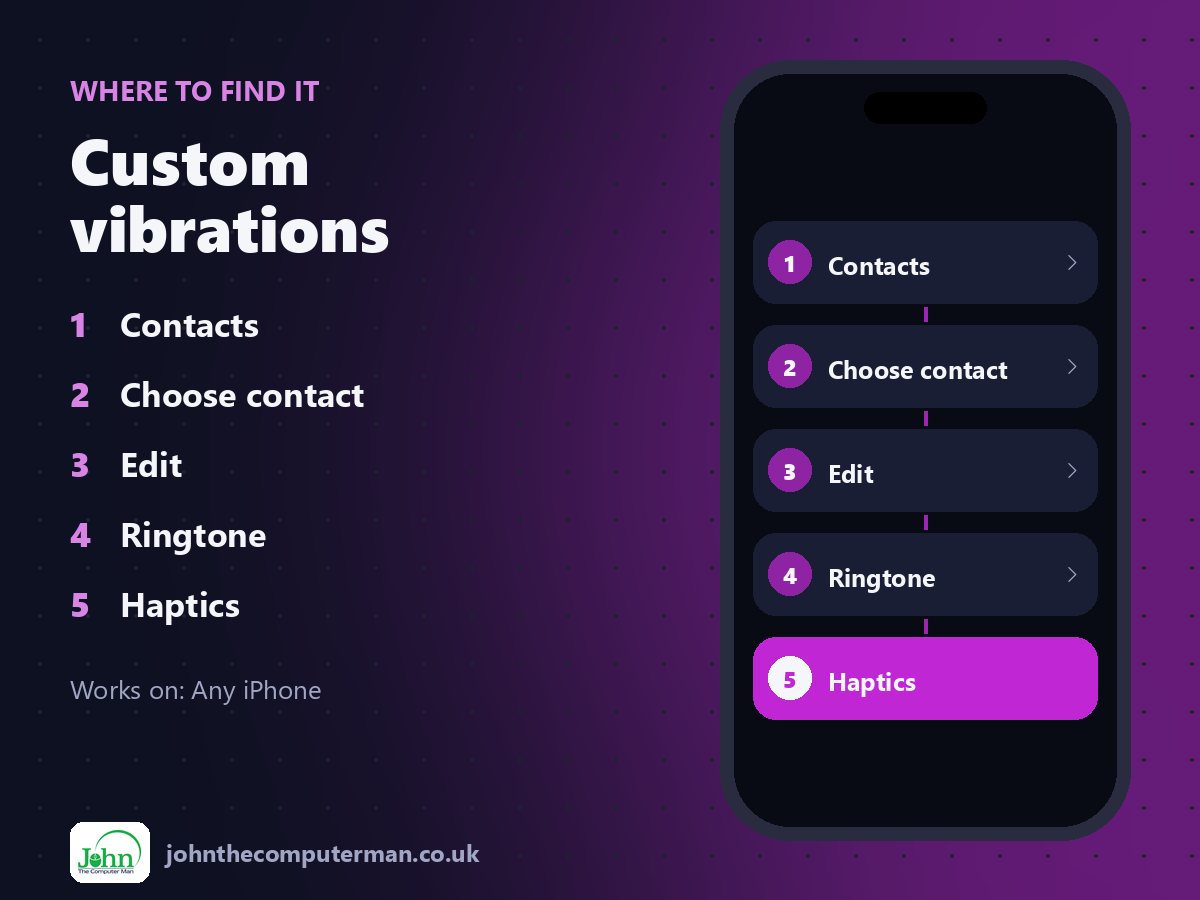
Contacts > Choose contact > Edit > Ringtone > Haptics
Custom vibrations: step by step
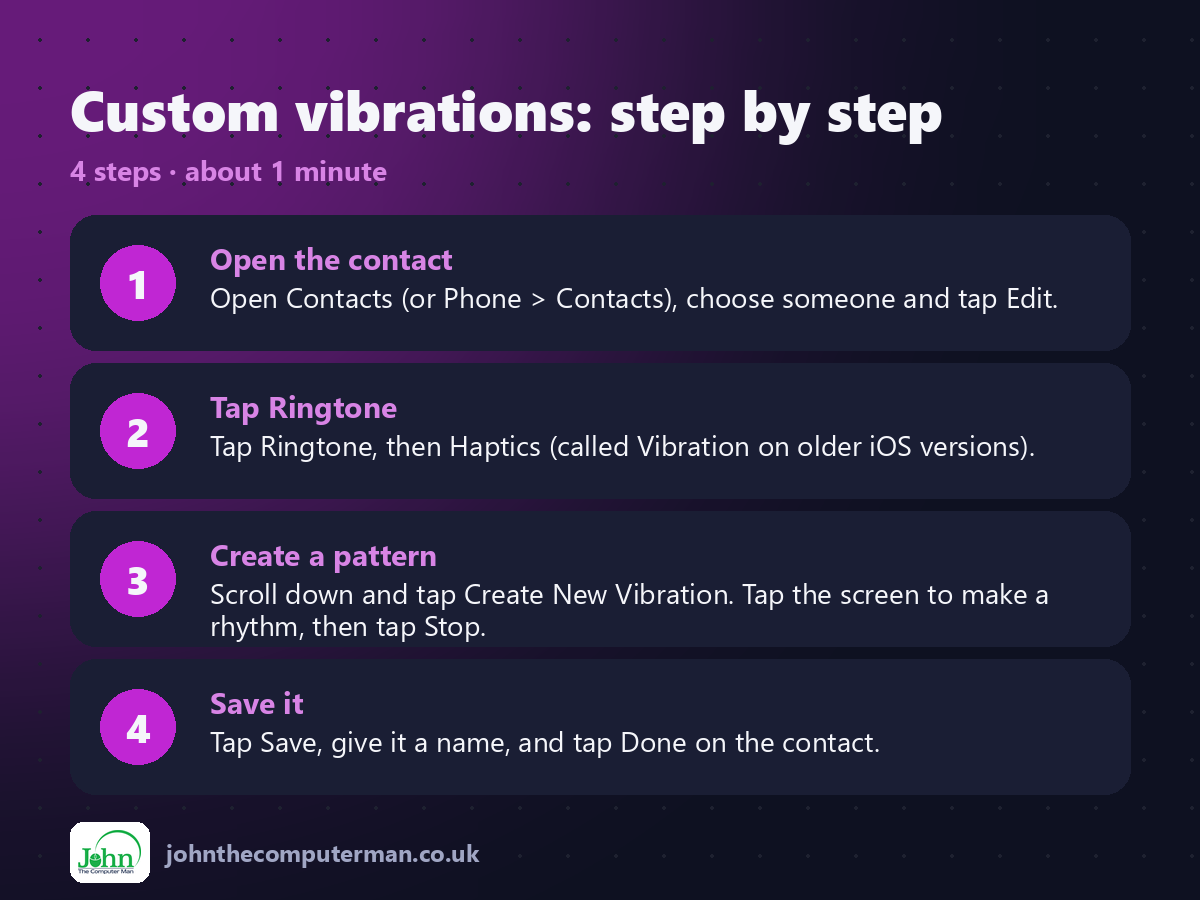
1. Open the contact. Open Contacts (or Phone > Contacts), choose someone and tap Edit.
2. Tap Ringtone. Tap Ringtone, then Haptics (called Vibration on older iOS versions).
3. Create a pattern. Scroll down and tap Create New Vibration. Tap the screen to make a rhythm, then tap Stop.
4. Save it. Tap Save, give it a name, and tap Done on the contact.
2. Tap Ringtone. Tap Ringtone, then Haptics (called Vibration on older iOS versions).
3. Create a pattern. Scroll down and tap Create New Vibration. Tap the screen to make a rhythm, then tap Stop.
4. Save it. Tap Save, give it a name, and tap Done on the contact.
Pro tip
💡 Do the same for texts: Edit > Text Tone > Haptics. Now you know who messaged you without looking.
More tips
• Make patterns really different: one long buzz for your partner, three quick ones for work.
• Hold your finger down while creating a pattern for a longer vibration.
• Your custom patterns can be reused for other contacts.
• Pair it with Focus modes so only these people break through when you're busy.
• Hold your finger down while creating a pattern for a longer vibration.
• Your custom patterns can be reused for other contacts.
• Pair it with Focus modes so only these people break through when you're busy.
FAQ
Does it work on silent?
Yes, as long as vibration on silent is turned on in Settings > Sounds & Haptics.
Can I use a custom pattern for an app?
Not for most apps, but you can set patterns for ringtones, text tones and some system alerts in Sounds & Haptics.