How to Find and Merge Duplicate Photos on iPhone

Saving the same photo from WhatsApp twice, screenshots of screenshots, pictures imported from an old phone. Duplicates add up and eat your storage.
The Photos app finds duplicates for you in a special album, and merges each set into the best-quality copy.
What does Merge duplicate photos do?
The Duplicates album in Photos finds identical photos and videos, and near-identical copies with different sizes or formats. Merging keeps the highest-quality version, combines the details like captions and keywords, and moves the rest to Recently Deleted.
Takes: 2 minutes · Works on: iOS 16 or later · Cost: free, built into your iPhone
Where to find it
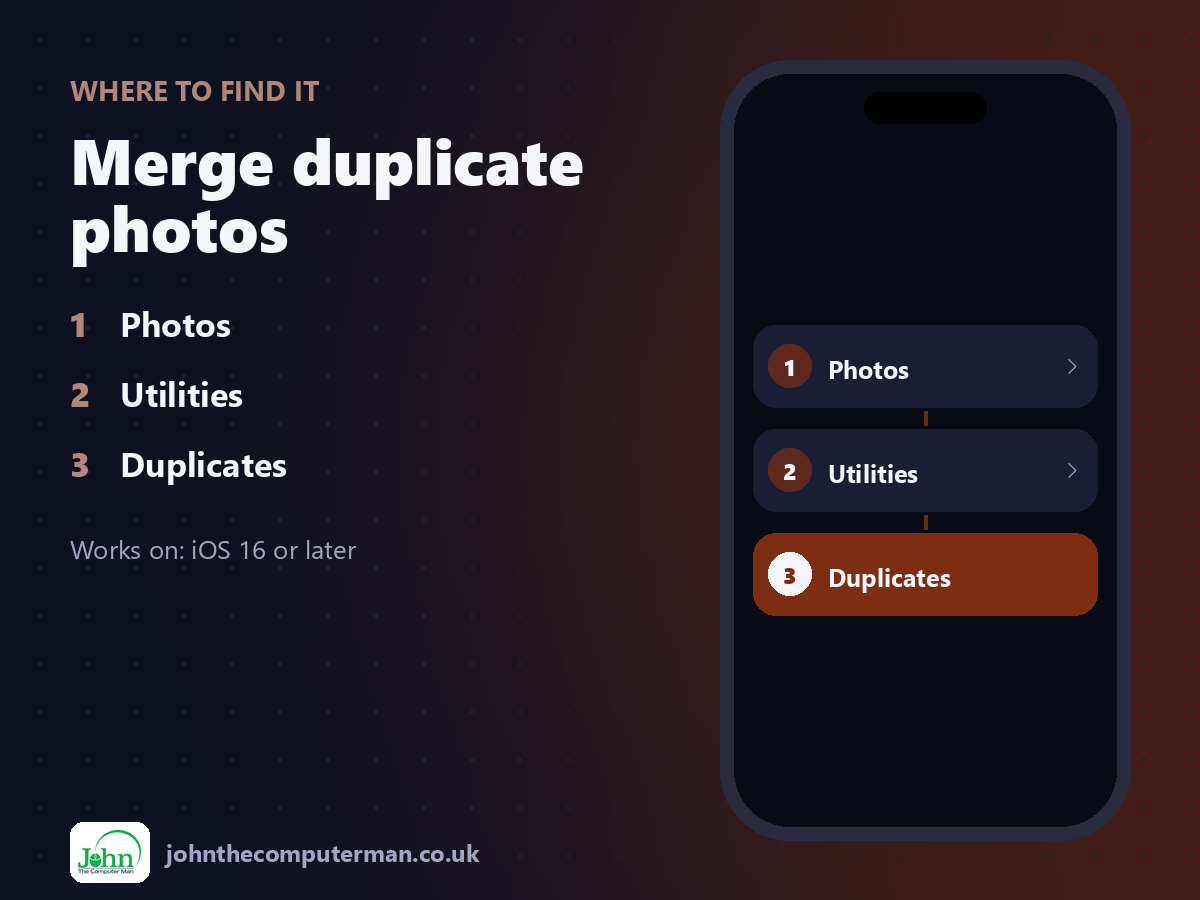
Photos > Utilities > Duplicates
Merge duplicate photos: step by step
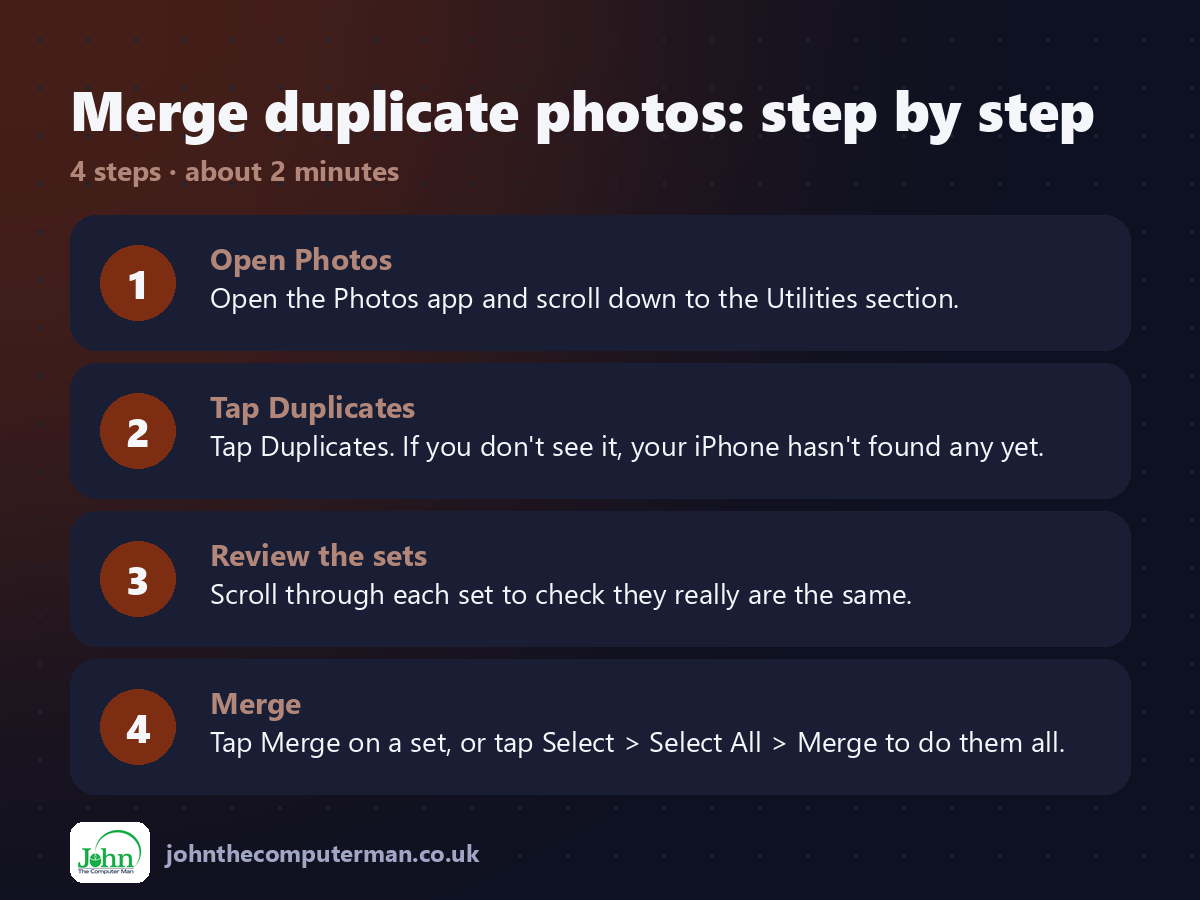
1. Open Photos. Open the Photos app and scroll down to the Utilities section.
2. Tap Duplicates. Tap Duplicates. If you don't see it, your iPhone hasn't found any yet.
3. Review the sets. Scroll through each set to check they really are the same.
4. Merge. Tap Merge on a set, or tap Select > Select All > Merge to do them all.
2. Tap Duplicates. Tap Duplicates. If you don't see it, your iPhone hasn't found any yet.
3. Review the sets. Scroll through each set to check they really are the same.
4. Merge. Tap Merge on a set, or tap Select > Select All > Merge to do them all.
Pro tip
💡 Merged copies go to Recently Deleted for 30 days. Empty it afterwards to actually get the storage space back.
More tips
• Duplicates can take a while to appear after an import. Plug in your iPhone overnight to let it finish.
• It also works with iCloud Photos, so duplicates disappear across all your devices.
• Check the Screenshots album too. Old screenshots are often the biggest waste of space.
• Changed your mind? Recover photos from Recently Deleted within 30 days.
• It also works with iCloud Photos, so duplicates disappear across all your devices.
• Check the Screenshots album too. Old screenshots are often the biggest waste of space.
• Changed your mind? Recover photos from Recently Deleted within 30 days.
FAQ
Which copy does it keep?
The highest-quality version, with the combined details from all copies.
Why don't I have a Duplicates album?
It only appears once your iPhone finds duplicates. Give it time after importing lots of photos.