How to Check iPhone Battery Health and Make Your Battery Last Longer
If your iPhone dies by mid-afternoon, it might be your apps, or it might be a tired battery. Your iPhone can tell you which.
Battery Health shows your battery's maximum capacity compared with when it was new, and a couple of charging settings can slow down wear.
What does Battery health do?
Battery Health shows Maximum Capacity: how much charge your battery holds compared with new. Apple generally considers a battery worn once it drops below 80%. Optimised charging and the charge limit on newer iPhones reduce the time your battery spends at 100%, which slows ageing.
Takes: 1 minute · Works on: iPhone 6 or later, iOS 11.3 or later · Cost: free, built into your iPhone
Where to find it
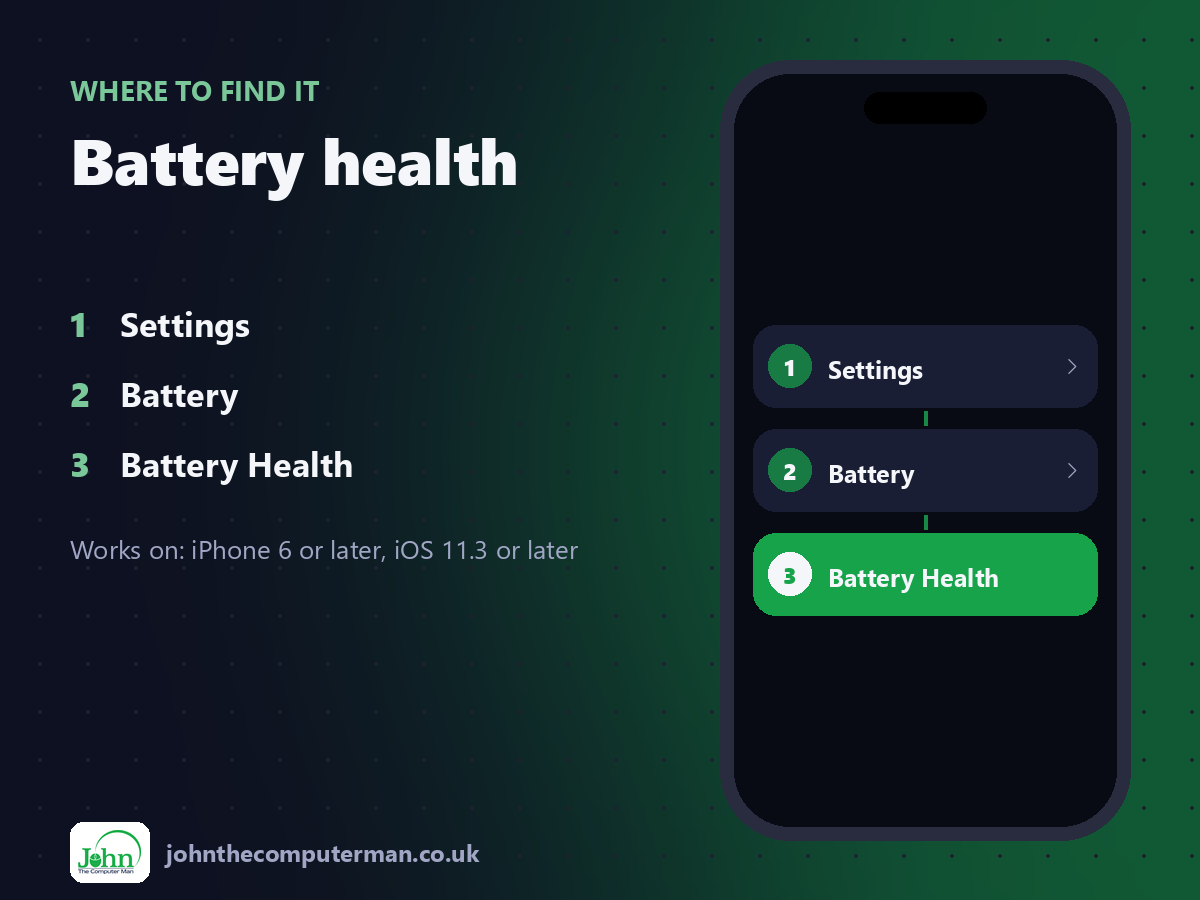
Settings > Battery > Battery Health
Battery health: step by step
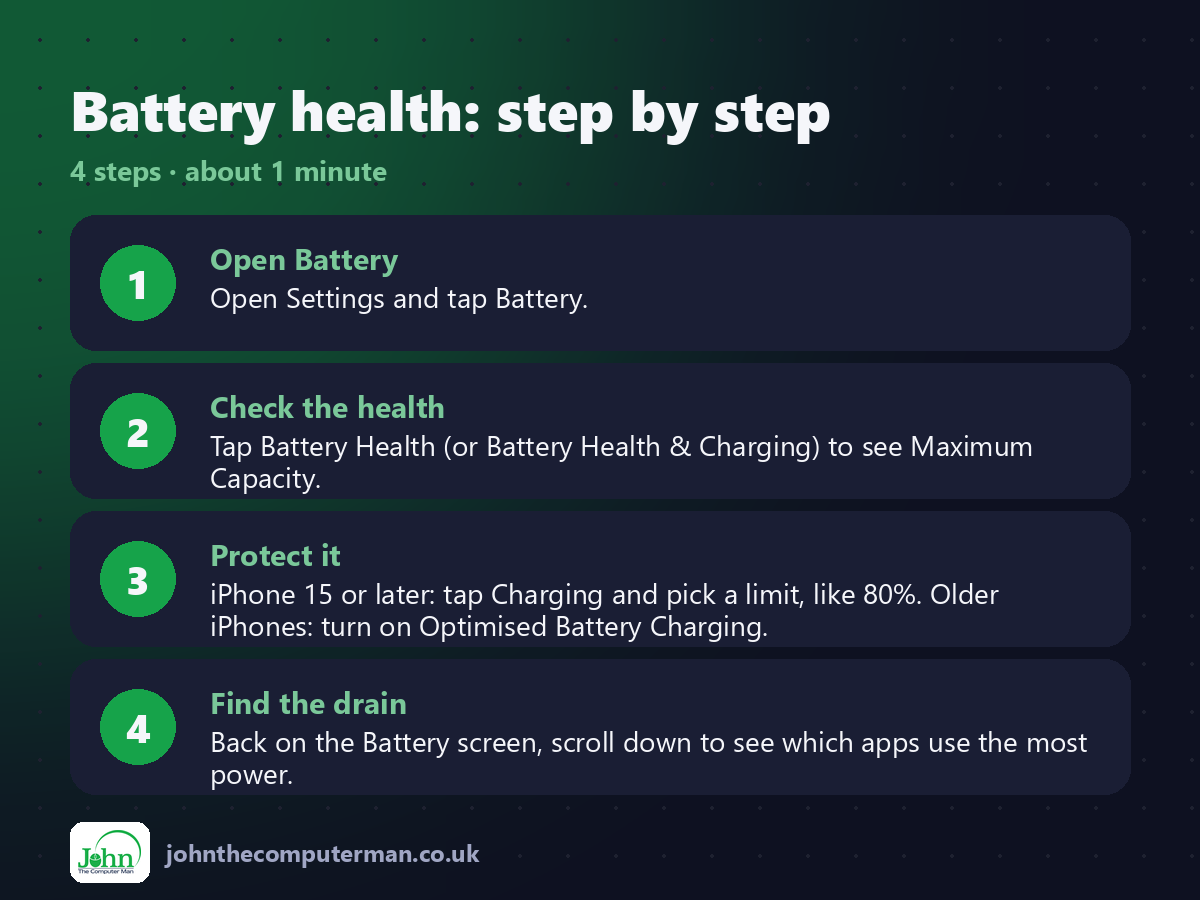
1. Open Battery. Open Settings and tap Battery.
2. Check the health. Tap Battery Health (or Battery Health & Charging) to see Maximum Capacity.
3. Protect it. iPhone 15 or later: tap Charging and pick a limit, like 80%. Older iPhones: turn on Optimised Battery Charging.
4. Find the drain. Back on the Battery screen, scroll down to see which apps use the most power.
2. Check the health. Tap Battery Health (or Battery Health & Charging) to see Maximum Capacity.
3. Protect it. iPhone 15 or later: tap Charging and pick a limit, like 80%. Older iPhones: turn on Optimised Battery Charging.
4. Find the drain. Back on the Battery screen, scroll down to see which apps use the most power.
Pro tip
💡 Below 80% Maximum Capacity? A battery replacement can make an older iPhone feel new again, for far less than a new phone.
More tips
• Turn on Low Power Mode from Control Centre when you're running low.
• Avoid leaving your iPhone in hot places like a car dashboard. Heat ages batteries fastest.
• iPhone 15 and later also show the cycle count in Settings > General > About.
• Only use chargers and cables from reputable brands.
• Avoid leaving your iPhone in hot places like a car dashboard. Heat ages batteries fastest.
• iPhone 15 and later also show the cycle count in Settings > General > About.
• Only use chargers and cables from reputable brands.
FAQ
Is 85% battery health bad?
No. It's normal wear. Apple says batteries are designed to keep around 80% capacity after hundreds of full charge cycles.
Should I charge to 100%?
It's fine when you need it. Limiting to 80% everyday can help the battery last longer if you don't need the full charge.