How to Check for Leaked and Weak Passwords on iPhone
Data breaches happen all the time, and if you reuse a password, one leak can open up lots of your accounts.
Your iPhone securely checks your saved passwords against known leaks, and flags any that are weak or used more than once.
What does Check for leaked passwords do?
Security recommendations in the Passwords app look at every password you've saved in iCloud Keychain. Compromised passwords have appeared in a known data leak, reused passwords are used on more than one site, and weak ones are easy to guess. Each comes with a link to change it.
Takes: 10 minutes · Works on: iOS 18 or later (Settings > Passwords on iOS 14 to 17) · Cost: free, built into your iPhone
Where to find it
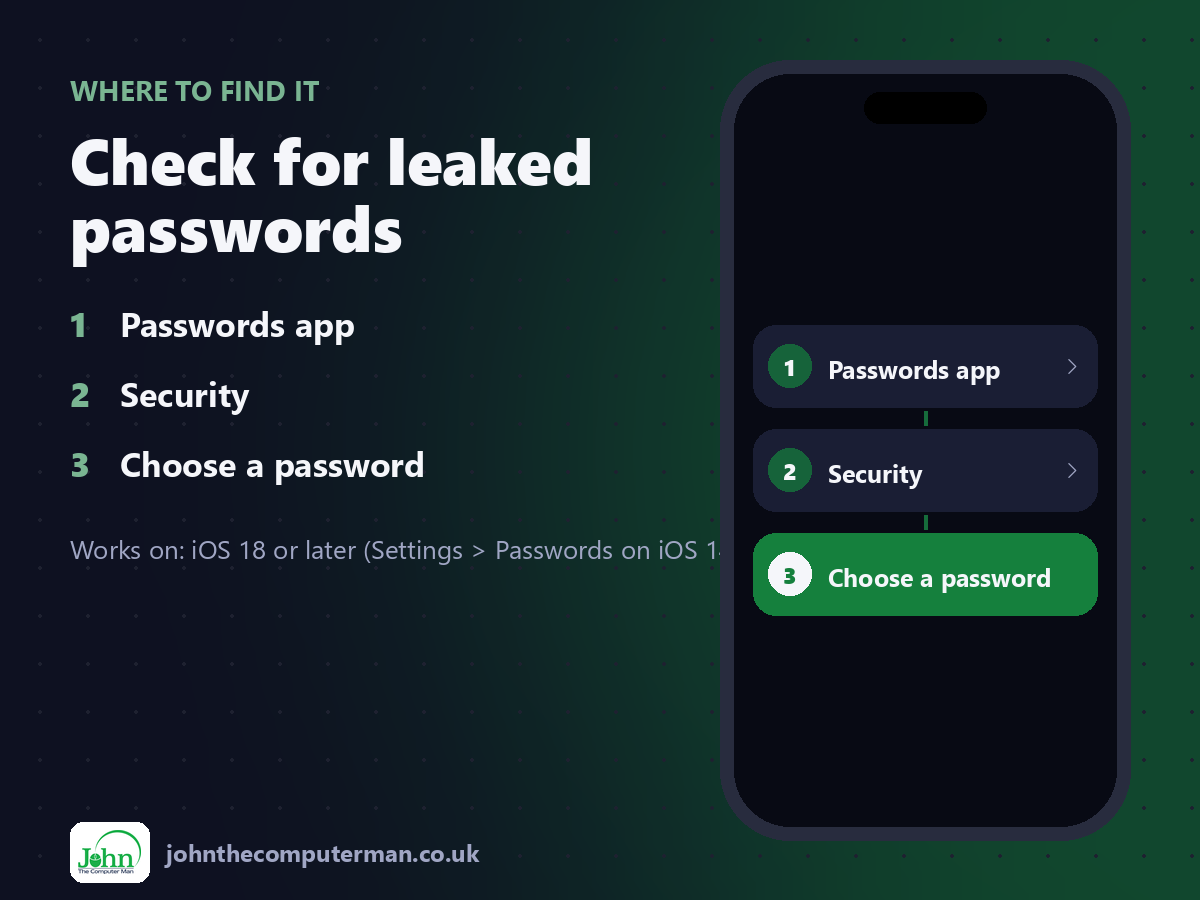
Passwords app > Security > Choose a password
Check for leaked passwords: step by step
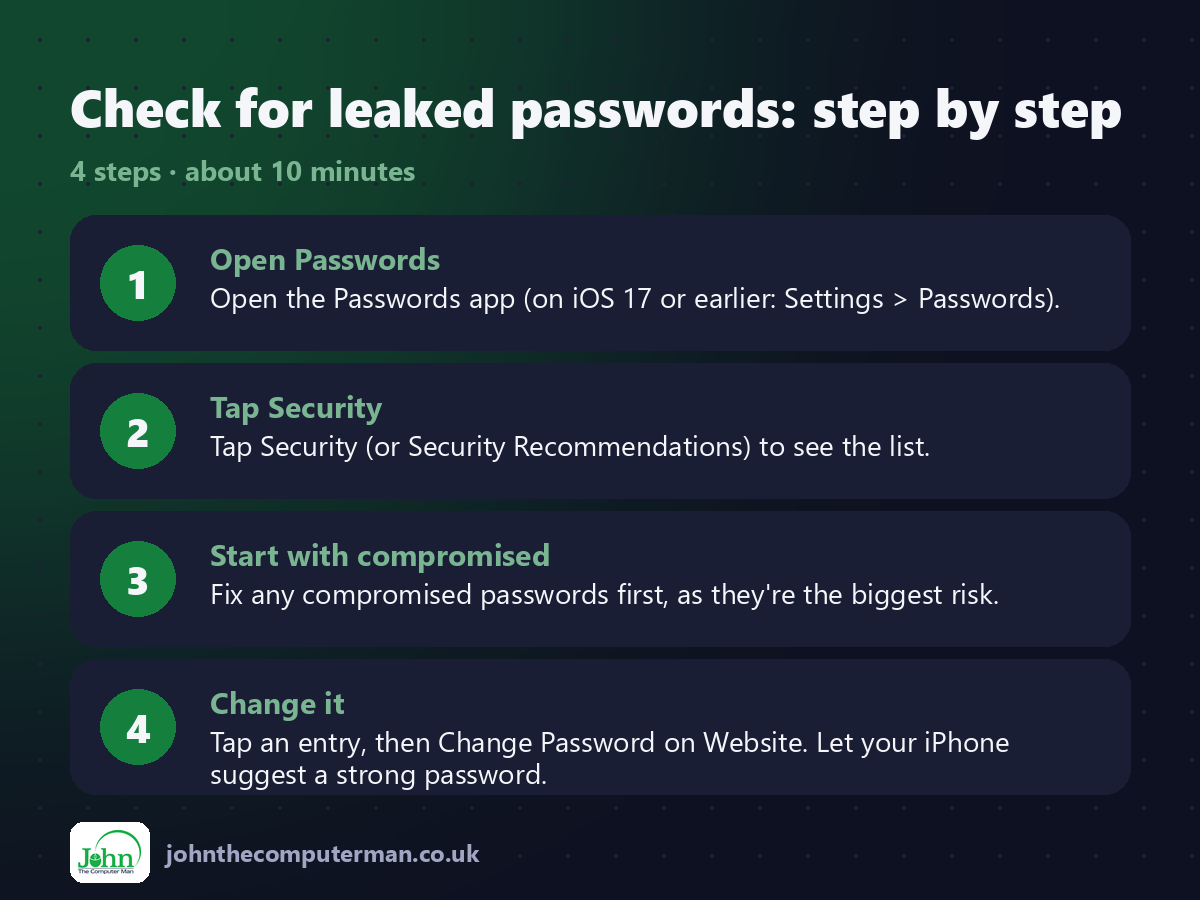
1. Open Passwords. Open the Passwords app (on iOS 17 or earlier: Settings > Passwords).
2. Tap Security. Tap Security (or Security Recommendations) to see the list.
3. Start with compromised. Fix any compromised passwords first, as they're the biggest risk.
4. Change it. Tap an entry, then Change Password on Website. Let your iPhone suggest a strong password.
2. Tap Security. Tap Security (or Security Recommendations) to see the list.
3. Start with compromised. Fix any compromised passwords first, as they're the biggest risk.
4. Change it. Tap an entry, then Change Password on Website. Let your iPhone suggest a strong password.
Pro tip
💡 Make sure Detect Compromised Passwords is turned on in the Security section, so you're warned about future leaks.
More tips
• Start with your email account. It's the key to resetting all your other passwords.
• Accept the Strong Password your iPhone suggests when signing up. It's saved automatically.
• Where a site supports passkeys, use one. There's no password to leak.
• Turn on two-factor authentication for important accounts.
• Accept the Strong Password your iPhone suggests when signing up. It's saved automatically.
• Where a site supports passkeys, use one. There's no password to leak.
• Turn on two-factor authentication for important accounts.
FAQ
Does Apple see my passwords?
No. The check uses a secure method that doesn't reveal your passwords to Apple.
Does 'compromised' mean I've been hacked?
Not necessarily. It means that password has appeared in a leak. Change it anywhere you use it.