How to Change Your Default Browser and Email App on iPhone
You use Chrome, but every link opens in Safari. You use Gmail, but tapping an email address opens Apple Mail.
Your iPhone lets you pick your own default apps, all from one screen.
What does Change default apps do?
Default apps are the ones your iPhone uses automatically: the browser that opens links, the email app that opens when you tap an address, and more. On recent iOS versions they're all in one Default Apps screen, including messaging, calling and password apps.
Takes: 30 seconds · Works on: iOS 18.2 or later for the Default Apps screen (browser and email since iOS 14) · Cost: free, built into your iPhone
Where to find it
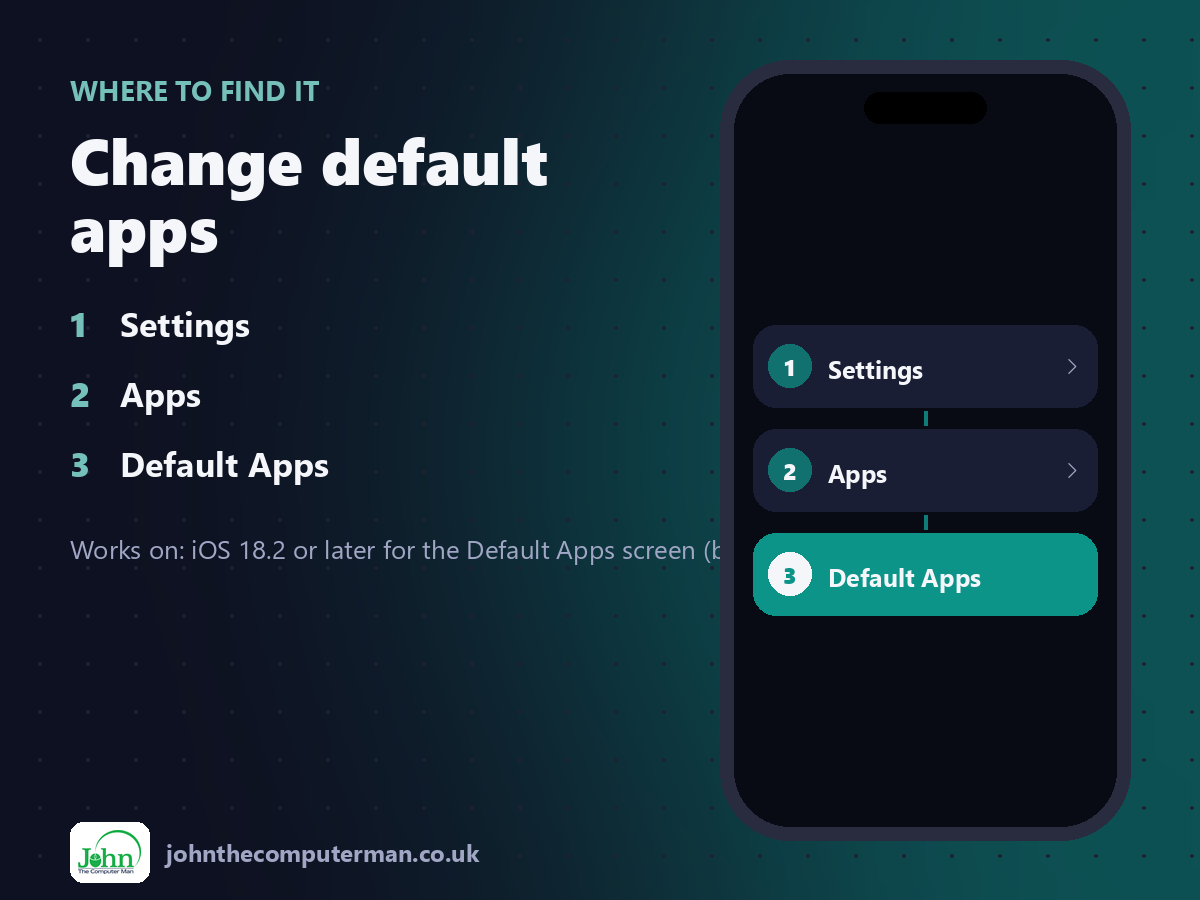
Settings > Apps > Default Apps
Change default apps: step by step
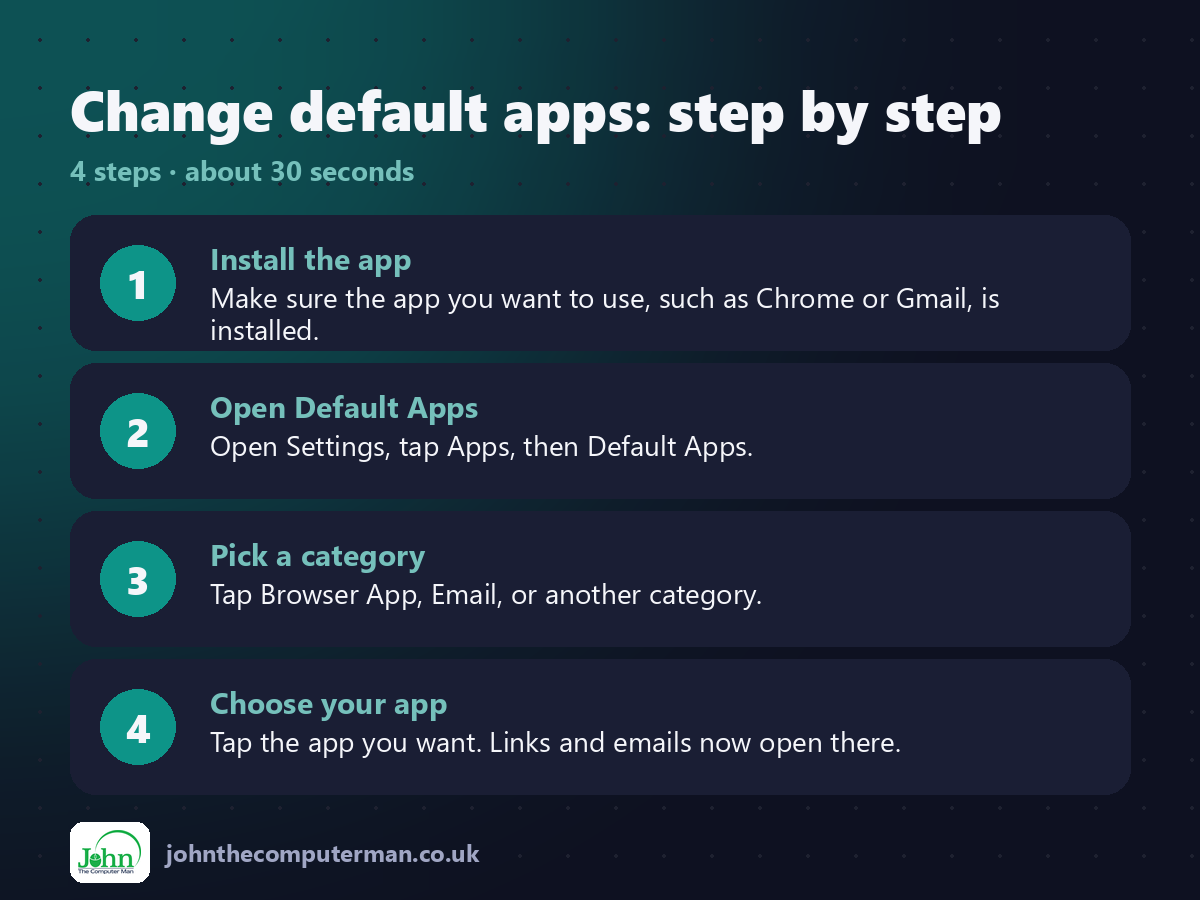
1. Install the app. Make sure the app you want to use, such as Chrome or Gmail, is installed.
2. Open Default Apps. Open Settings, tap Apps, then Default Apps.
3. Pick a category. Tap Browser App, Email, or another category.
4. Choose your app. Tap the app you want. Links and emails now open there.
2. Open Default Apps. Open Settings, tap Apps, then Default Apps.
3. Pick a category. Tap Browser App, Email, or another category.
4. Choose your app. Tap the app you want. Links and emails now open there.
Pro tip
💡 On older iOS versions, open Settings, scroll to the app itself (like Chrome) and tap Default Browser App.
More tips
• You can switch back to Safari or Mail at any time on the same screen.
• The Passwords & Codes option sets which password manager fills in your logins.
• Only apps that support being a default appear in each list.
• If you delete your default app, your iPhone goes back to Apple's own.
• The Passwords & Codes option sets which password manager fills in your logins.
• Only apps that support being a default appear in each list.
• If you delete your default app, your iPhone goes back to Apple's own.
FAQ
Why isn't my app in the list?
The app must support being a default, and it needs to be up to date.
Can I change the default maps app?
It depends on your region and iOS version. Check the Default Apps screen to see what's offered.