How to Block Spam Calls and Texts on iPhone
Missed-delivery texts, 'Hi Mum' scams, cold callers about an accident you never had. Spam is relentless.
Your iPhone can block individual numbers, filter texts from unknown senders, and send unknown callers straight to voicemail.
What does Block spam callers do?
Blocking a number stops calls, messages and FaceTime from that number. Filter Unknown Senders puts texts from people not in your contacts into a separate list. Silence Unknown Callers sends calls from numbers you don't know to voicemail.
Takes: 30 seconds · Works on: Any iPhone · Cost: free, built into your iPhone
Where to find it
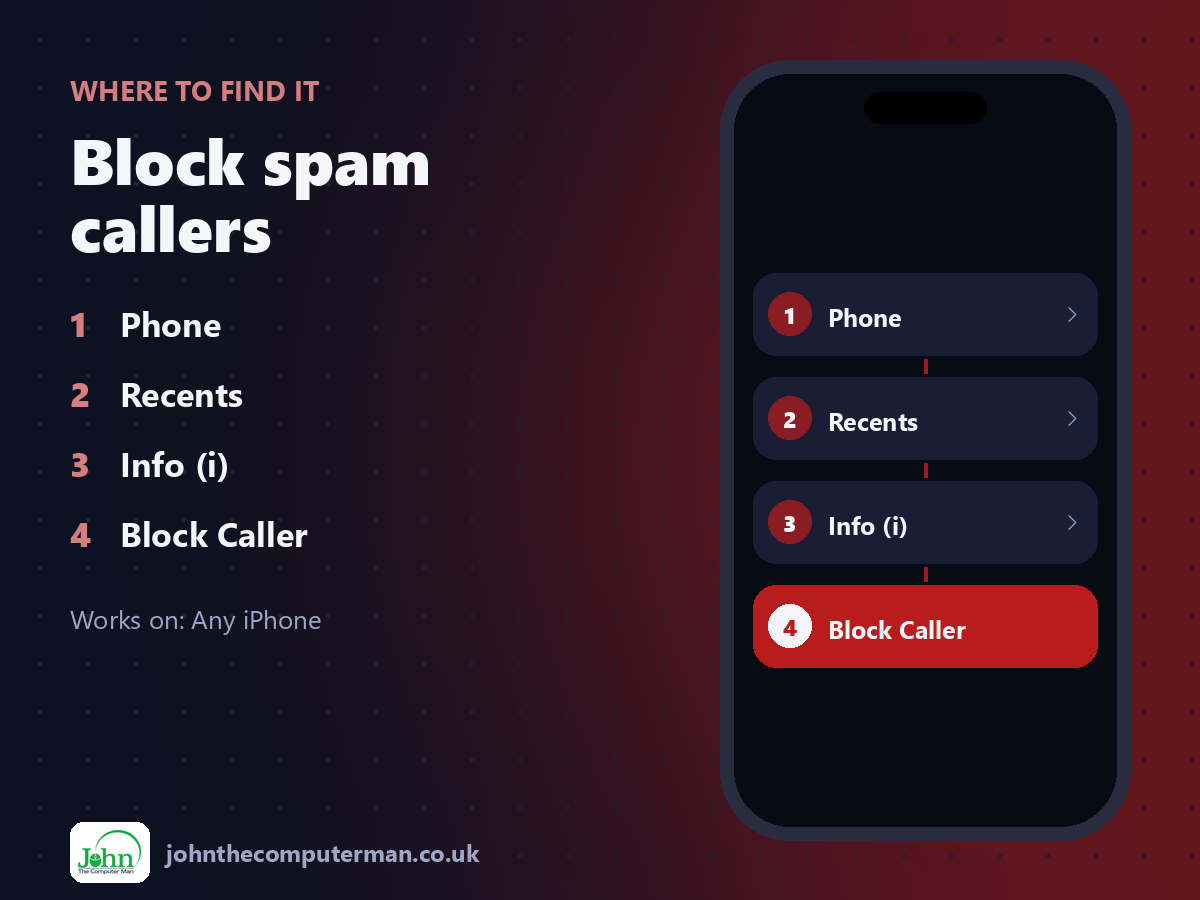
Phone > Recents > Info (i) > Block Caller
Block spam callers: step by step
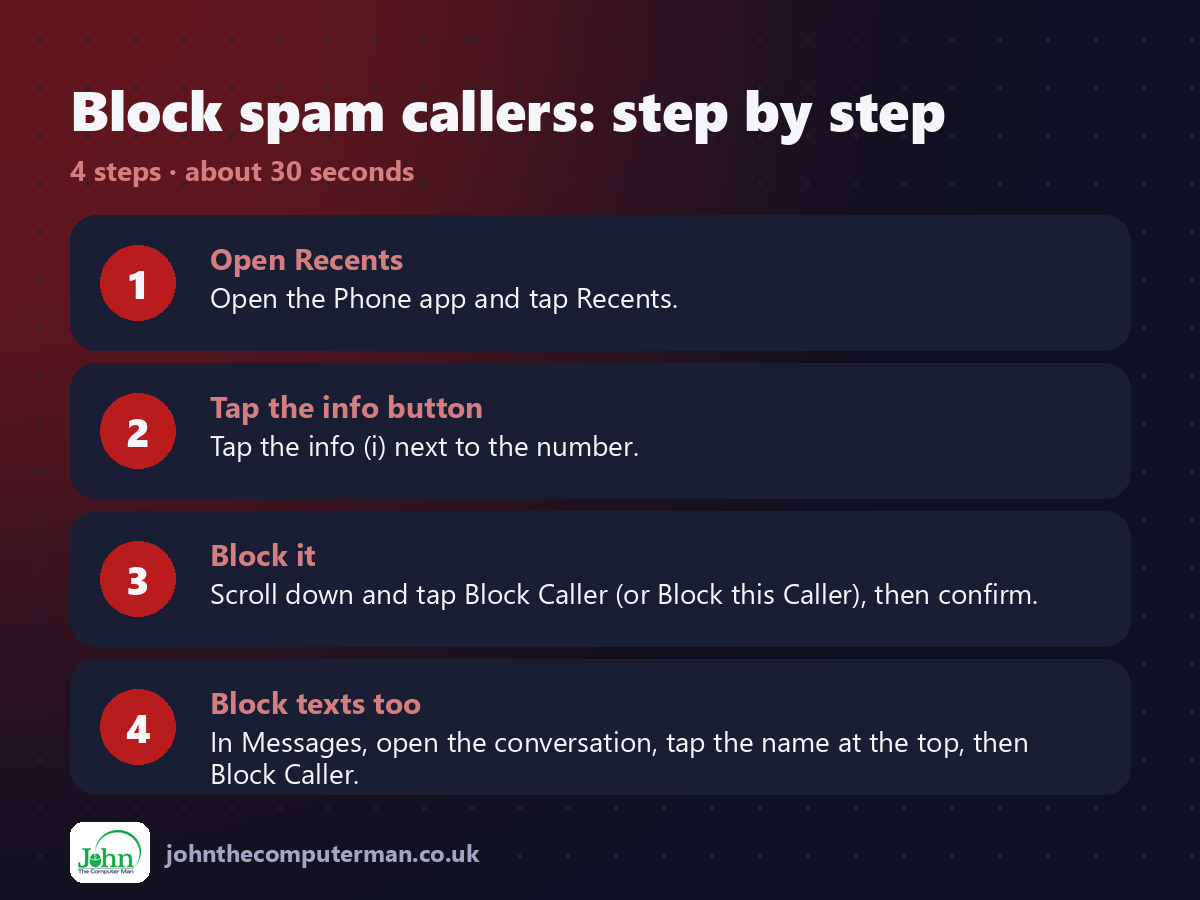
1. Open Recents. Open the Phone app and tap Recents.
2. Tap the info button. Tap the info (i) next to the number.
3. Block it. Scroll down and tap Block Caller (or Block this Caller), then confirm.
4. Block texts too. In Messages, open the conversation, tap the name at the top, then Block Caller.
2. Tap the info button. Tap the info (i) next to the number.
3. Block it. Scroll down and tap Block Caller (or Block this Caller), then confirm.
4. Block texts too. In Messages, open the conversation, tap the name at the top, then Block Caller.
Pro tip
💡 Never reply STOP to scam texts or tap their links. Report them by forwarding to 7726 (in the UK), then delete.
More tips
• Turn on Filter Unknown Senders in Messages settings to separate texts from people you don't know.
• Silence Unknown Callers is in the Phone settings. Be careful: calls from the doctor or school may go to voicemail.
• See your blocked list in Phone settings > Blocked Contacts.
• Report junk iMessages with the Report Junk link under the message.
• Silence Unknown Callers is in the Phone settings. Be careful: calls from the doctor or school may go to voicemail.
• See your blocked list in Phone settings > Blocked Contacts.
• Report junk iMessages with the Report Junk link under the message.
FAQ
Will a blocked person know?
No. Their calls go to voicemail and their messages simply aren't delivered to you.
Where are Phone and Messages settings?
In Settings > Apps > Phone or Messages on iOS 18 and later, or directly in Settings on older versions.